Schneider Electric I/O Modules on Powermatic Associates

I/O Modules- Schneider Electric
Industrial I/O (input/output) modules are critical industrial network components that deliver input signals from a field device, such as a sensor or actuator, to a controller.
I/O Modules
General Guide & Overview
In the world of control systems, I/O modules play a crucial role in facilitating the seamless exchange of data between the control system and external devices. These modules come in various types and offer a wide range of functionalities to meet the specific automation needs of different industries.
Before we dive into the types and options available, let's explore the fundamental functions of I/O modules. These modules serve as the intermediaries between the control system and sensors, actuators, and other peripheral devices. They ensure efficient communication, allowing the control system to receive input signals from sensors and provide output signals to actuators for precise control and automation.
Now, let's take a closer look at the different types of I/O modules. There are digital I/O modules, analog I/O modules, and specialty I/O modules. Digital I/O modules handle binary signals, such as on/off or high/low, while analog I/O modules process continuous signals like voltage or current. Specialty I/O modules are designed for specific purposes, such as temperature sensing or motor control.
When selecting an I/O module, it's important to consider the specific requirements of your control system. Factors such as the number of I/O points, communication protocols, and compatibility with the control system should all be taken into account.
With the rapid advancement of technology, I/O modules now come with a multitude of options. These options include various communication interfaces like Ethernet, USB, or serial ports, as well as additional features such as built-in diagnostics, hot-swapping capabilities, and LED indicators for easy troubleshooting.
In the next sections, we will explore the installation and management of I/O modules, as well as delve into the supported I/O modules and their features. So, keep reading to gain a comprehensive understanding of I/O modules and how they can enhance your control systems.
Installation and Management of I/O Modules
Proper setup, installation, and management of I/O modules is essential to ensure their correct functioning and compatibility with the control system. To achieve optimal performance, follow these key steps:
I/O Module Setup
1. Identify the specific I/O module required for your system based on the desired functionality.
2. Consult the manufacturer's documentation to verify compatibility with your control system and ensure that any required software or firmware updates are performed.
3. Determine the appropriate physical location for the I/O module, considering factors such as cable lengths, environmental conditions, and accessibility for maintenance and troubleshooting.
4. Connect the I/O module to the control system using the provided cables, ensuring proper alignment and secure connections.
I/O Module Installation
1. Power off the control system and any devices connected to it.
2. Insert the I/O module into the designated slot, following the manufacturer's instructions. Take note of any specific alignment or positioning requirements.
3. Secure the I/O module in place using the provided mounting brackets, ensuring a stable and vibration-free installation.
4. Power on the control system and verify that the I/O module is detected and recognized by the system.
I/O Module Management
1. Access the control system's configuration software or interface to manage and monitor the I/O module.
2. Configure the I/O module settings, such as input/output assignments, signal range, and communication protocols, according to the system requirements.
3. Regularly check the status and health of the I/O module, monitoring for any errors, malfunctions, or communication issues.
4. Perform firmware updates and maintenance tasks as recommended by the manufacturer to ensure optimal performance and reliability.
By following these installation and management guidelines, you can ensure the proper setup, installation, and ongoing functionality of your I/O modules within your control system.
Supported I/O Modules and their Features
When it comes to control systems and automation, having the right I/O modules is crucial. These modules offer a range of features and functionalities to meet specific system requirements. Let's take a closer look at some of the supported optional I/O modules and what they bring to the table.
One important aspect to consider is the I/O module's features. Different modules offer a variety of capabilities, such as analog input/output, digital input/output, temperature input, and specialty input/output. These features ensure that the I/O module can effectively communicate with and control external devices as needed, enabling seamless integration within the control system.
In addition to features, I/O modules also come with various ports for connectivity. These ports allow for easy communication and data exchange between the module and external devices. Some common ports include Ethernet ports for network connectivity, serial ports for device communication, and USB ports for easy configuration and firmware updates.
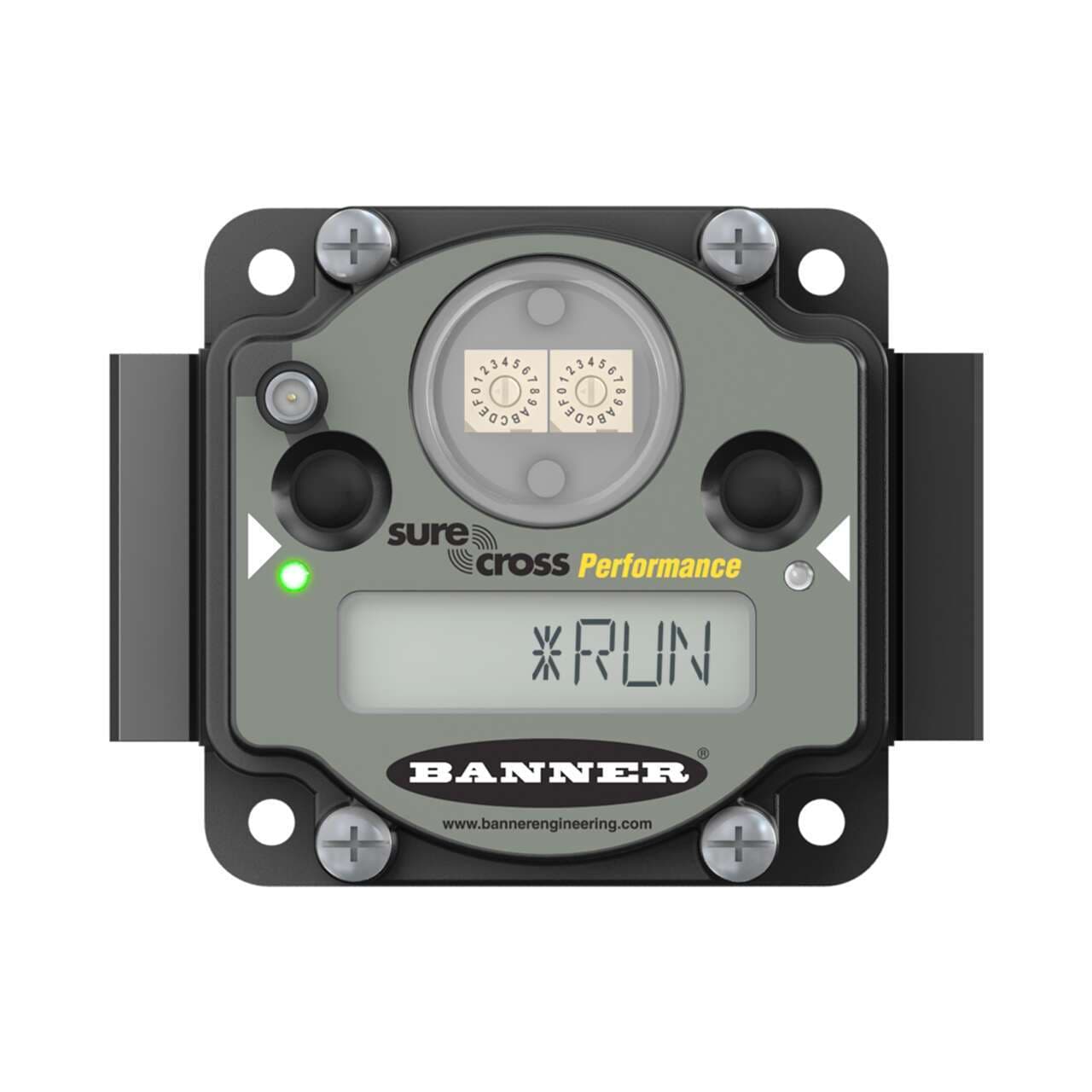
When working with I/O modules, visual feedback is essential. That's why many modules come equipped with LEDs. These LEDs provide status indicators, such as power, communication, and module health. They offer a quick and convenient way to monitor the module's operation and ensure everything is functioning as expected.
FAQ
I/O modules are essential components in control systems that facilitate the exchange of data between the control system and external devices.
The major functions of an I/O module include data exchange between the control system and external devices, data buffering, data format conversion, and error detection and reporting.
There are various types of I/O modules available, including digital I/O modules, analog I/O modules, and interrupt-driven I/O modules.
Proper setup and installation of I/O modules are crucial for ensuring correct functioning and compatibility with the control system. It is recommended to follow the manufacturer's instructions and guidelines for installation.
I/O module management involves tasks such as configuring settings, monitoring module performance, and troubleshooting any issues that may arise.
Supported I/O modules offer various features and functionalities to cater to specific system requirements. Some examples include modules with different types of ports such as digital and analog inputs and outputs, and modules with LED indicators for status monitoring.