All categories
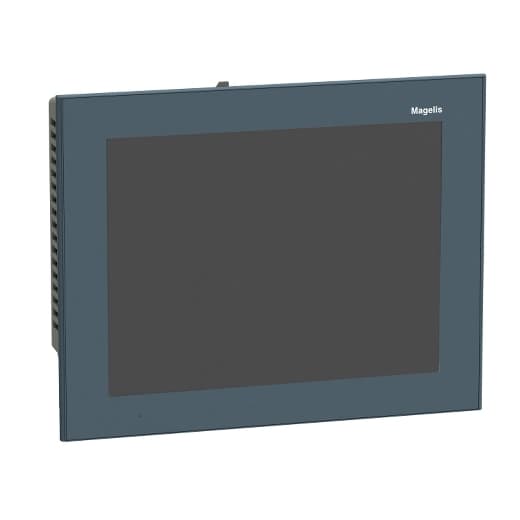
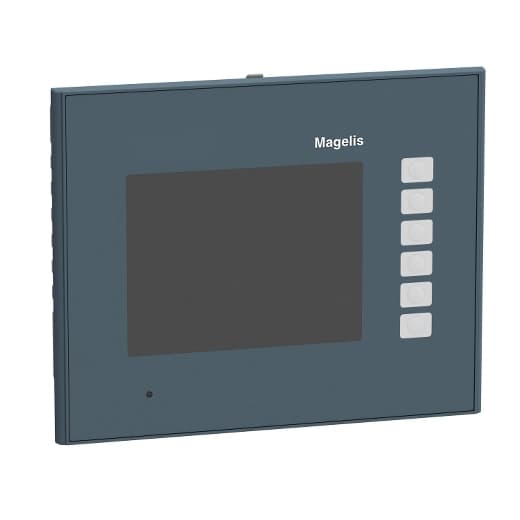
LCD Touch Panels - HMI Panel
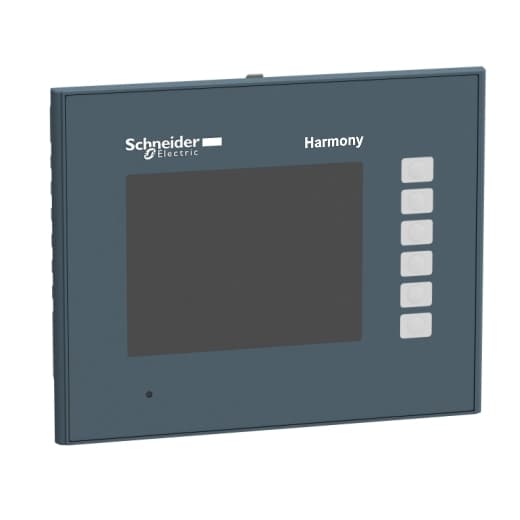
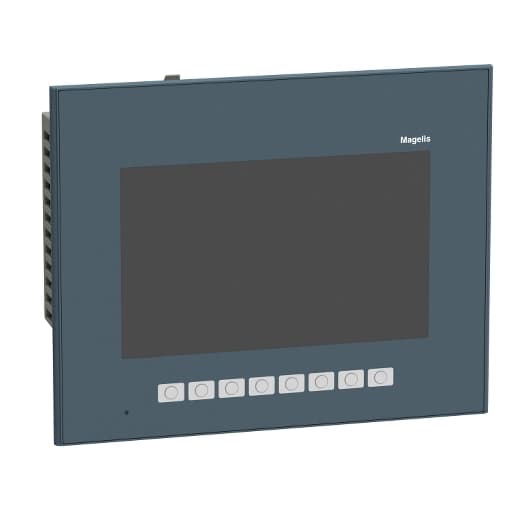
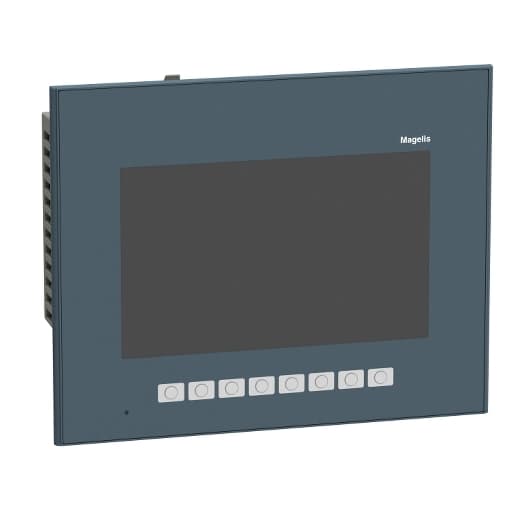
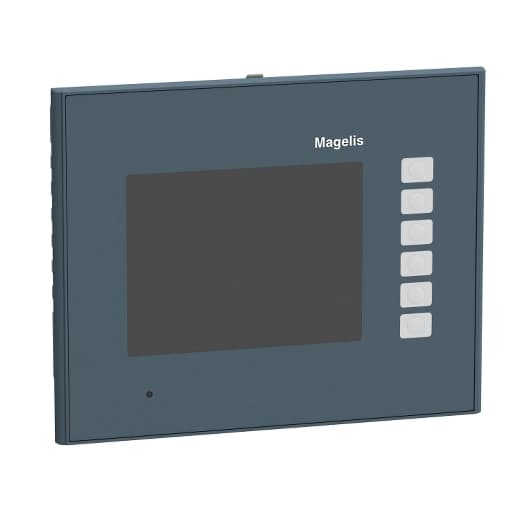
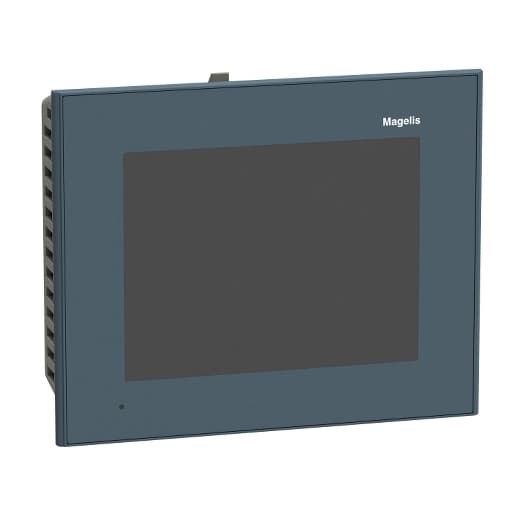
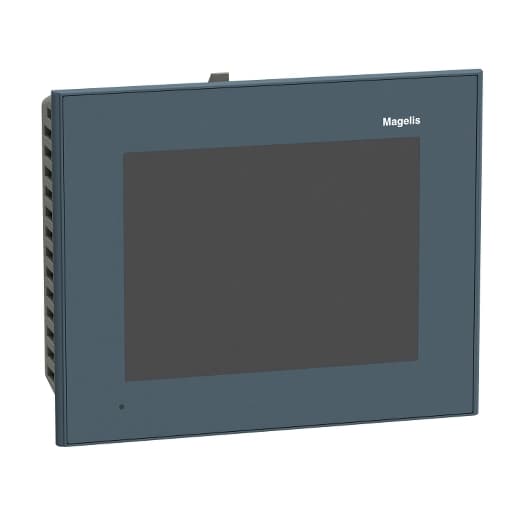
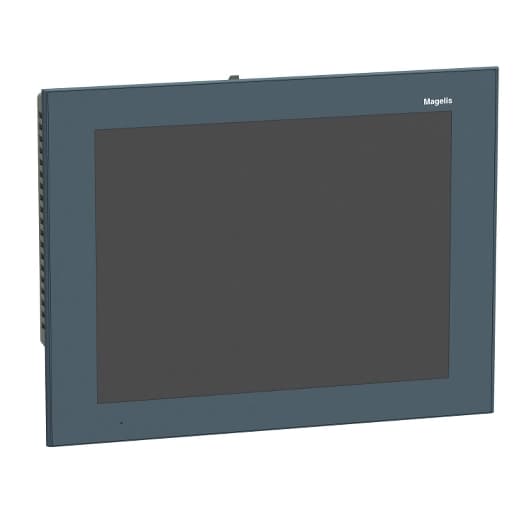
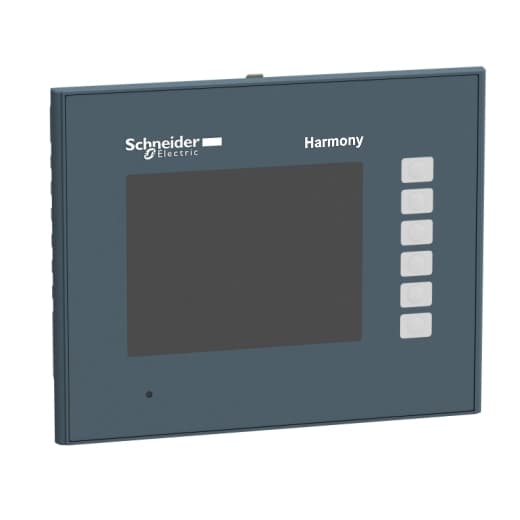
Schneider Electric LCD Touch Panels - HMI Panel on Powermatic Associates
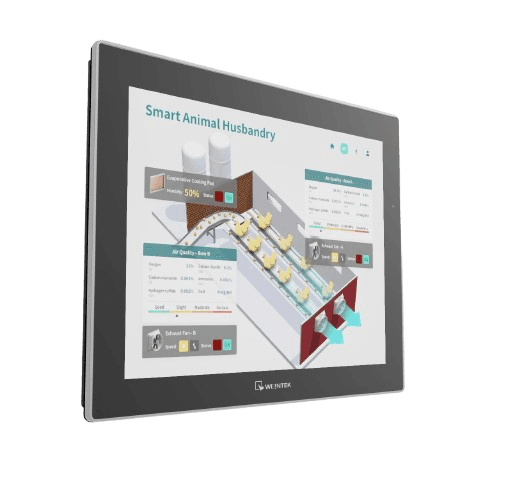

LCD Touch Panels - HMI Panel- Schneider Electric
A touch panel is a piece of equipment that lets users interact with a computer by touching the screen directly.
LCD Touch Panels - HMI Panel
General Guide & Overview
LCD Touch Panels, also known as Human Machine Interface (HMI) panels, have become increasingly prevalent in various industries. These intuitive devices revolutionize the way operators interact with machines, providing a user-friendly interface for control and monitoring. They combine visual feedback with touch inputs, creating an intuitive and efficient user experience.
The advantages of HMI touch screen panels include enhanced user experience, improved efficiency, real-time data visualization, flexibility and customization, and easy integration and communication with other systems and machinery. When choosing HMI touch screen panels, factors to consider include environmental considerations, screen size and resolution, touch technology, connectivity options, and software and programming capabilities.
Proper installation and maintenance are crucial for optimal performance, and guidelines such as proper mounting, calibration, cleaning, and firmware updates should be followed.
How Does an HMI Work?
An HMI (Human Machine Interface) enables users to communicate with a PLC (Programmable Logic Controller) through a graphical interface, typically a touchscreen. This technology has a rich history, evolving from batch interfaces to command-line interfaces and ultimately graphical user interfaces.
The HMI receives commands from the user, which it then translates into machine-readable code. Additionally, it receives feedback data from the connected PLC and presents it on the screen in real-time. This provides users with a seamless way to monitor and control machine operations.
The advantages of using an HMI are numerous. Firstly, HMIs are designed to be user-friendly, allowing operators to interact with machines effortlessly. They offer real-time feedback, providing instant updates on machine status and performance. HMIs also have alarm capabilities, allowing users to receive notifications when predefined thresholds or conditions are met.
Additionally, one of the key advantages of an HMI is its ability to modify system operations without the need for complex reprogramming. Operators can make changes to parameters, setpoints, or even entire processes directly through the HMI interface, saving time and streamlining workflow.
HMIs come in various types, each serving specific purposes in industrial settings. Some common HMI types include pushbutton replacers, which replace traditional physical pushbuttons with virtual buttons on the touchscreen. Data handlers are HMIs used for data entry and monitoring, while overseers provide a broader view of the entire system's operation.
The properties of an HMI include its processors, memory capabilities, and various physical features such as screen size, resolution, and touch technology. When selecting an HMI, it is important to consider its compatibility with the system, ease of use, and specific application requirements.
Environmental Considerations
When deploying an HMI, environmental factors must be taken into account. The operating conditions, including temperature, humidity, and exposure to dust or moisture, can impact the performance and longevity of the HMI. It is important to select an HMI that is designed to withstand the specific environmental conditions of the intended application.
Software and Programming
HMIs often come with dedicated programming software that enables users to create and customize the graphical interface. This software allows for the configuration of screens, buttons, alarms, and data logging, among other functionalities. An HMI's programming capabilities play a crucial role in its usability and adaptability to different systems and processes.
Wiring and Integration with PLC
Proper wiring between the HMI and the PLC is essential for smooth communication and operation. The HMI and the PLC need to be connected using appropriate communication protocols to ensure compatibility and reliable data transfer. Cooperating seamlessly, the HMI and the PLC form an integrated system that enables efficient process control and monitoring.
Troubleshooting and Glossary
Like any technology, HMIs may encounter issues that require troubleshooting. Familiarity with common problems and their solutions can help operators quickly resolve any issues and minimize downtime. Additionally, a glossary of HMI terms can assist users in understanding the specific vocabulary and terminology associated with this technology.
FAQ
An HMI, or Human Machine Interface, is a device that allows operators to interact with machines through a user-friendly interface for control and monitoring.
HMI touch screen panels offer enhanced user experience, improved efficiency, real-time data visualization, flexibility and customization, and easy integration and communication with other systems and machinery.
Factors to consider include environmental considerations, screen size and resolution, touch technology, connectivity options, and software and programming capabilities.
An HMI works by allowing users to communicate with a Programmable Logic Controller (PLC) through a graphical interface, typically a touchscreen. It translates user commands into machine-readable code and presents feedback data from the PLC on the screen.
The advantages of an HMI include its user-friendliness, real-time feedback, alarm capabilities, system modification without reprogramming, and customizability.
Different types of HMIs include pushbutton replacers, data handlers, and overseers, each serving specific purposes.
Properties to consider include processors, memory capabilities, and various physical features.
Factors to consider include compatibility with the system, ease of use, and specific application requirements.